

4 week course - 11/10 - 12/1 Tuesdays 10 am - 12 pm
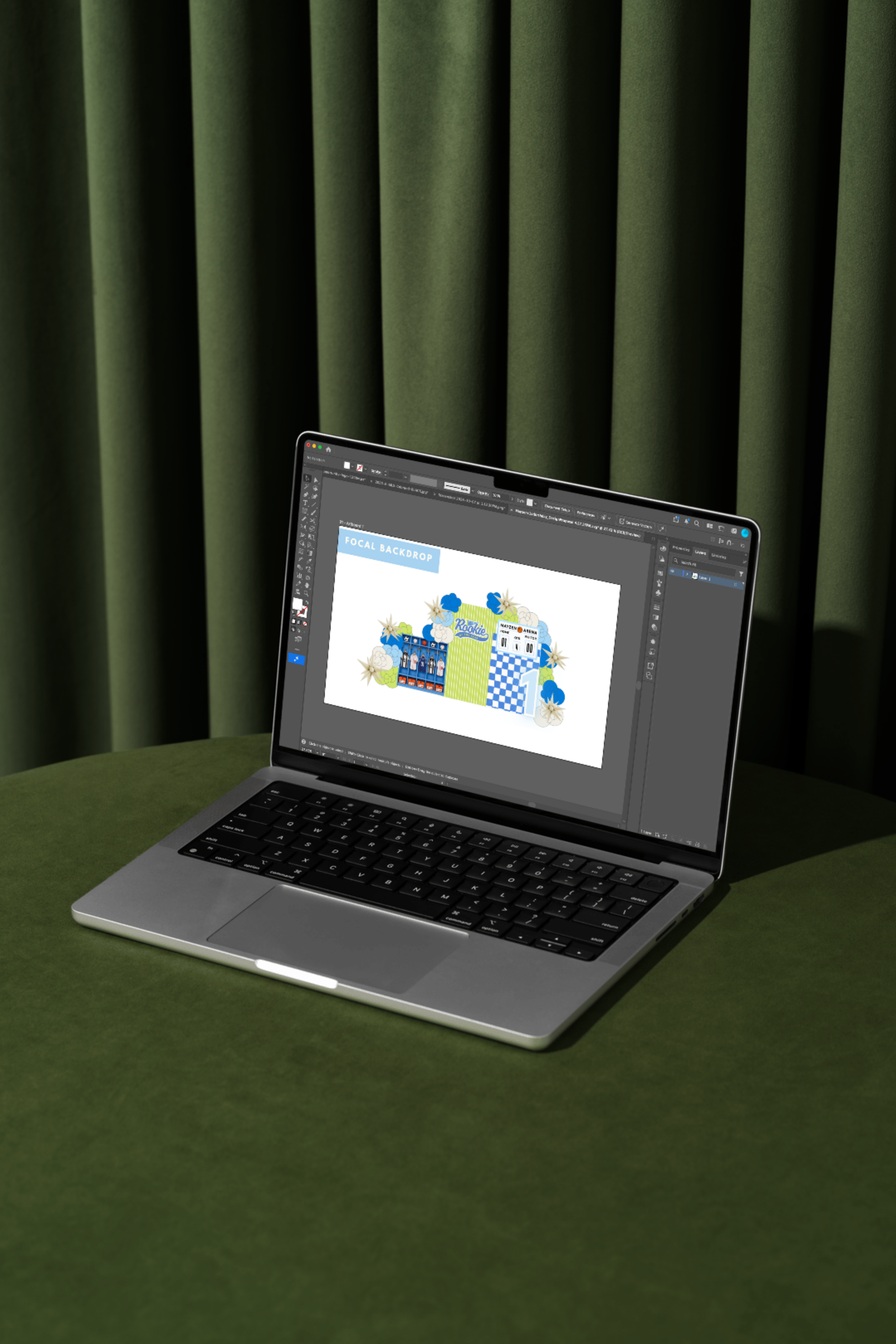
Ready to bring your event designs to life digitally? This beginner-friendly class introduces event stylists and creatives to Adobe Illustrator with a focus on the tools and techniques you’ll actually use in the event industry.
You’ll learn the basics of navigating Illustrator, creating to-scale mock-ups that help clients visualize their event before production, and setting up print-ready design files for signage, stationery, and other event details.
We’ll cover working with shapes, text, colors, images, sizing and scale, artboards, and proper file setup—giving you a strong foundation for creating professional designs from concept to production.
No previous Adobe Illustrator experience required. This class is perfect for event stylists, planners, signage designers, and creatives who want to confidently turn their ideas into polished, production-ready designs.
What to Bring: Students will need to bring a laptop with Adobe Illustrator installed and ready to use. An active Adobe Illustrator subscription or other valid access to Illustrator is required for this hands-on course. Additional instructions for downloading and preparing Illustrator will be provided before class.
Learn More
-
Location: Quixotic Coffee
Time: 10 am - 12 pm
Address: 769 Cleveland Ave S, St. Paul, MN 55116
4 week course starting 11/10
Classes dates: 11/10, 11/17, 11/24. 12/1
-
Students will need to bring a laptop with Adobe Illustrator installed and ready to use.
** An active Adobe Illustrator subscription or other valid access to Illustrator is required for this hands-on course.
-
You will need Adobe Illustrator installed on your laptop before our first class.
1. Go to Adobe Illustrator
Visit the official Adobe Illustrator website:
https://www.adobe.com/products/illustrator.html2. Choose a plan
Select Buy Now and choose the Illustrator plan that works best for you.If you only need Illustrator, you can purchase the Illustrator Single App plan.
If you are currently enrolled at an eligible school or are an eligible teacher, Adobe also offers discounted Student & Teacher Creative Cloud plans.
3. Create an Adobe account
Sign in with an existing Adobe account or create a new one.4. Download Adobe Creative Cloud
After purchasing, Adobe will prompt you to download the Creative Cloud desktop app.5. Install Illustrator
Open Creative Cloud, locate Adobe Illustrator, and select Install.6. Open Illustrator before class
Please open Illustrator and make sure you are signed in and the program is working before arriving. -
This four-week course will be held in a small, intimate setting at Quixotic Coffee in St. Paul, with just 4–8 students per class. Each session will be hands-on and collaborative, allowing you to follow along in Adobe Illustrator, practice what you’re learning, ask questions, and receive individualized guidance in a relaxed, creative environment.
Class schedule
-
Week 1 — Adobe Illustrator Basics + Design Resources
Getting comfortable in Illustrator
Essential tools for event design
Working with fonts, colors, shapes and images
Where to source fonts and SVGs
Importing and editing design assets
-
Week 2 — Creating To-Scale Client Mock-Ups
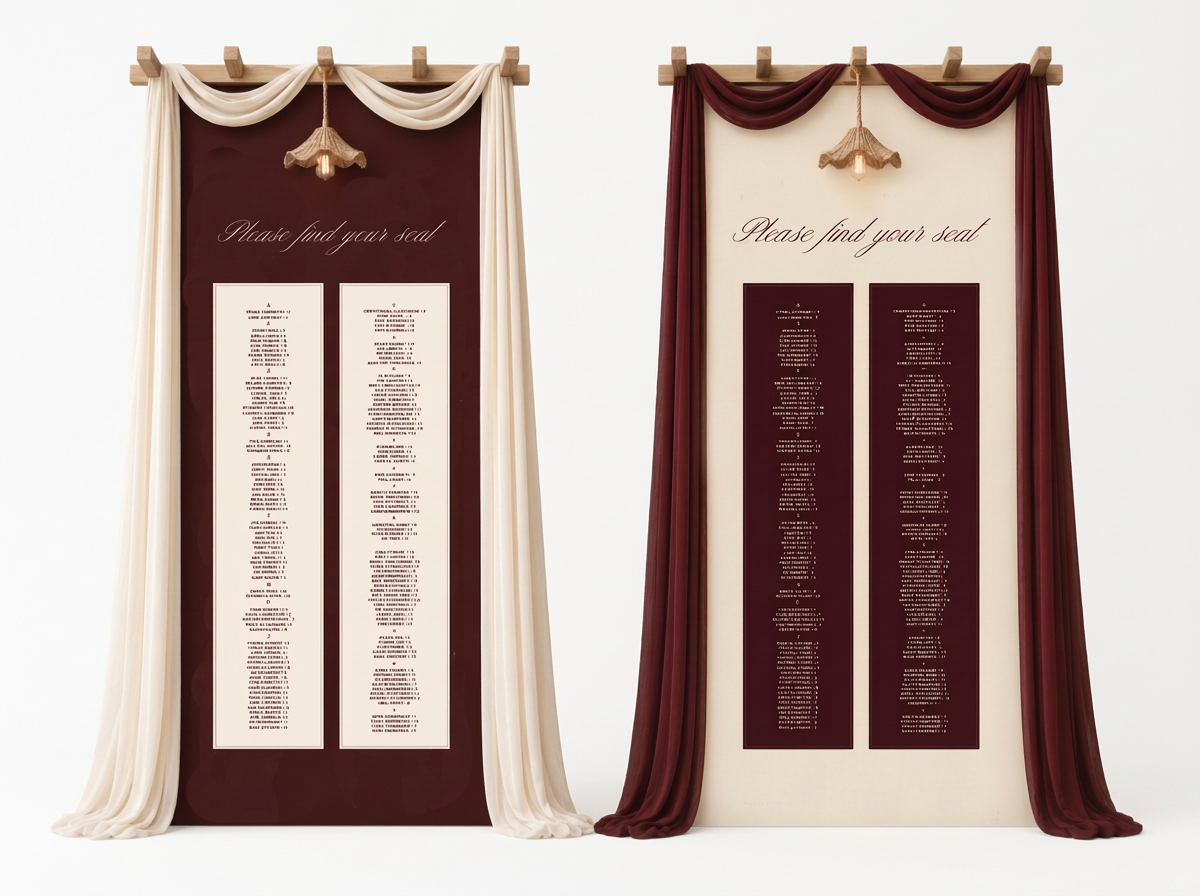
Designing signs and installations to scale
Working with dimensions and proportions
Creating arches, backdrops and seating displays
Adding décor and design elements
Creating polished mock-ups for client presentations
-
Week 3 — Preparing Designs for Production
Turning mock-ups into production files
Vector vs. raster artwork
Outlining fonts and expanding artwork
Preparing SVGs and cut files
Setting up signage for printing, vinyl, laser or CNC production
-
Week 4 — Print-Ready Files + Final Project
RGB vs. CMYK
Bleed, crop marks and image resolution
AI, PDF, SVG and EPS file types
Exporting print-ready artwork
Working with printers and fabricators
Final project: concept → mock-up → production → print-ready file
Meet your instructor

Hi everyone! My name is Katie, and I’m the artist and designer behind Olive and Twig Design Co. I’ve had a long-standing love for graphic design and typography, and I’m excited to share some of the tools and skills I use every day in my own business with you.
I’m currently in my fifth year with Olive and Twig, and there truly hasn’t been a day that I haven’t used Adobe Illustrator in some way. From creating to-scale mock-ups for clients and designing custom event signage to preparing print-ready graphics and creating content for social media, Illustrator has become one of the most valuable tools in my design process.
I strongly believe that event stylists can benefit from having a basic working knowledge of Adobe Illustrator. You don’t need to be a professional graphic designer—you just need to know how to use the program in a way that supports your creativity and your business.
By the end of our four-week course, you’ll feel confident creating to-scale mock-ups, sourcing and working with fonts and graphics to elevate your designs, and preparing professional, print-ready files to send to your vendors and printers.
I’m so excited to create with you!